Table of Contents
- Are Canadian Small Businesses Using AI Yet?
- Which Tasks Should You Automate First?
- What Should AI Not Do on Its Own?
- How Do You Pick the Right First Project?
- Should You Buy a Tool or Build Something Custom?
- What About Your Customers’ Privacy?
- How Can I Help?
- Frequently Asked Questions
Are Canadian Small Businesses Using AI Yet?
Some are, but most aren’t. Statistics Canada reports that 19.2% of businesses used AI to produce goods or deliver services in the 12 months before the second quarter of 2026, up from 12.2% a year earlier.
Small businesses aren’t far behind. Among businesses with 1 to 4 employees, the figure was 19.9%. Among those with 100 or more, it was 27.8%.
Among the businesses using AI, the most common applications were data analytics (36.6%), text analytics (34.5%) and virtual agents or chat bots (28.2%).
So you aren’t late, and there’s still time to get ahead of competitors in your market.
Which Tasks Should You Automate First?
Start with work that’s repetitive, frequent and easy to check. These six are good places to look:
1. Answering common customer questions
If your team answers the same questions about hours, prices, service areas and bookings, a website assistant can handle the routine ones from your own information and pass the rest to a person.
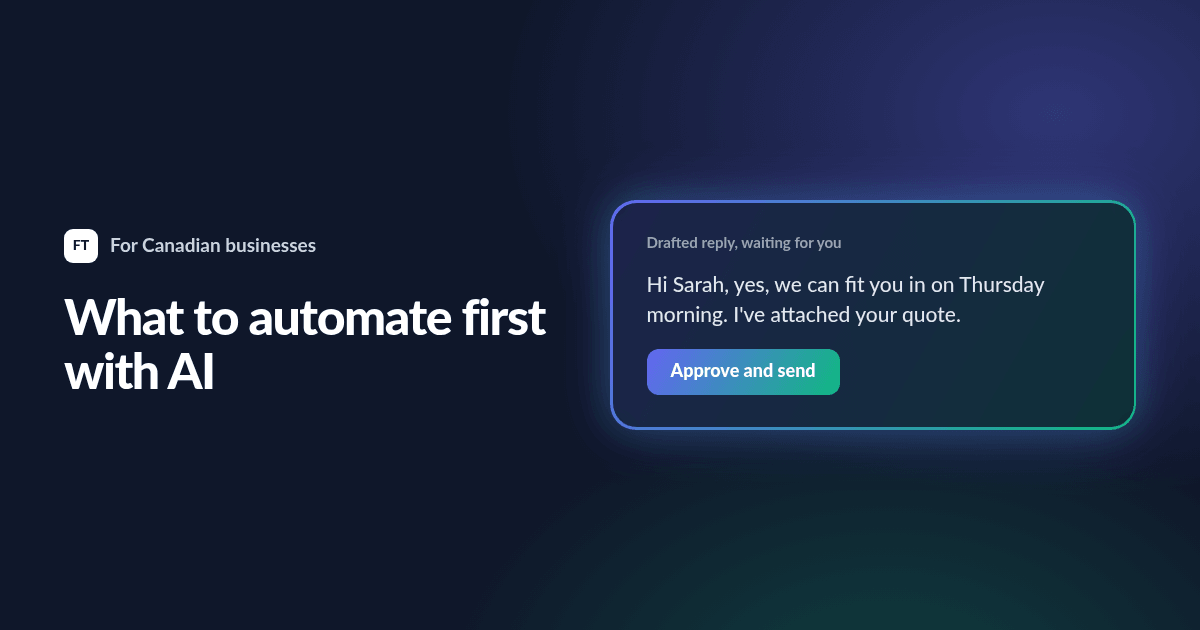
2. Sorting email and drafting replies
AI can sort incoming email by type and draft a reply for someone to check and send. A person still decides, but they’re editing instead of starting from a blank screen.
3. Reading documents
Invoices, forms, purchase orders and PDFs often get retyped by hand. AI can pull the details out and put them in your accounting system or spreadsheet, with a person checking anything unusual.
4. Drafting quotes and proposals
If your quotes follow a pattern, AI can produce a first draft from your past work and your price list. For a business that quotes every day, this can save a lot of time.
5. Summarizing calls and meetings
A tool can turn a recorded meeting into a summary and a list of follow-ups. Make sure everyone on the call knows it’s being recorded.
6. Finding company information
Staff often waste time hunting for the right document. An internal assistant lets them ask a question and get an answer from your own files, with a link to the source.
What Should AI Not Do on Its Own?
AI makes mistakes, and it makes them confidently. Keep a person in charge of anything where a wrong answer could cost you money, trust or legal trouble:
- Prices, contracts and refunds
- Legal, medical or financial advice
- Decisions about hiring or customers’ accounts
- Anything sent to a customer that nobody has read, unless it’s low-risk and tested
How Do You Pick the Right First Project?
Score each idea on three questions:
- How many hours does it take each week? More hours means a bigger payoff.
- Is it the same each time? Repetitive work suits AI best.
- What happens if it’s wrong? The lower the risk, the better for a first project.
Then measure how long the task takes today. Without that number, you won’t know if the tool is working. Build the smallest version that could work, try it for a few weeks, and keep it only if it saves real time.
Should You Buy a Tool or Build Something Custom?
Buy first if a ready-made tool does the job. For one person’s writing or research, a paid AI assistant is often enough.
Go custom when the AI needs your own information, has to connect to your systems, or talks directly to your customers. That’s when the details start to matter, like what data it can see and what happens when it’s unsure.
What About Your Customers’ Privacy?
Personal information is still covered by privacy law when an AI tool handles it. Before you send customer data to any AI service:
- Find out if the service uses your data to train its models
- Send only what the task needs
- Check where the data is stored and how long it’s kept
- Update your privacy policy if your practices change
My Canadian website compliance checklist covers the rules that apply to your website.
How Can I Help?
I build AI tools for businesses, and I’m also the developer behind Sadik AI, available on iPhone and Android. If you tell me which task eats up your week, I’ll send you a free automation check covering what can be automated, what can’t, and a rough cost.
Frequently Asked Questions
What is AI automation for a small business?
It means using AI to handle repetitive tasks, such as sorting email, reading documents or answering routine questions, so your team can spend time on work that needs a person.
How much does AI automation cost?
It depends on the job. A ready-made tool might be a monthly subscription, while a custom automation is a small project with a one-time cost and some running fees. Start with one task so that you can measure whether it pays for itself.
Can AI replace a receptionist?
It can answer routine calls and questions, and take messages outside business hours. Most small businesses still need a person for anything sensitive or unusual.
Do I need to tell customers that they’re talking to AI?
It’s good practice, and it builds trust. Make it clear that they’re talking to an assistant, and give them an easy way to reach a person.