Table of Contents
- Does the AODA Apply to Your Website?
- What Does the Website Rule Actually Require?
- What Does WCAG 2.0 AA Mean in Plain English?
- How Can You Check Your Website in 20 Minutes?
- Will an Accessibility Plugin Fix It?
- What Is the December 31, 2026 Compliance Report?
- What If You Have Fewer Than 50 Employees?
- How Can I Help?
- Frequently Asked Questions
This is general information, not legal advice. It’s based on Government of Ontario pages checked in November 2026.
Does the AODA Apply to Your Website?
It depends on how many people you employ in Ontario:
| Employees in Ontario | Website rule | Compliance report |
|---|---|---|
| Under 20 | Not required | Not required |
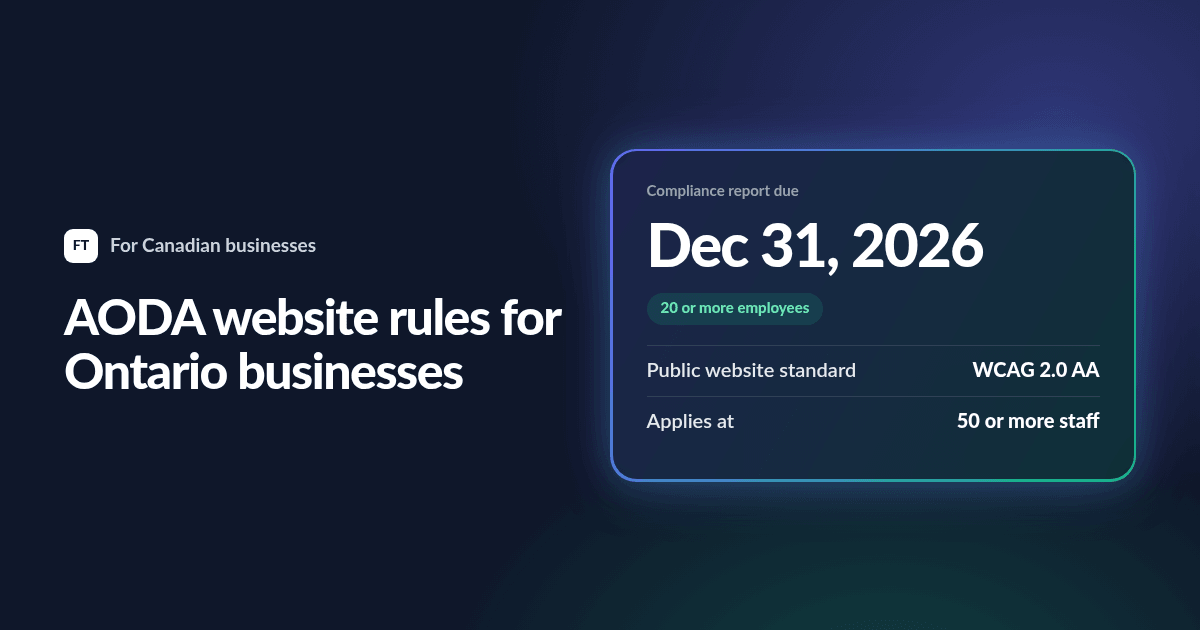
| 20 to 49 | Not required | Due December 31, 2026, then every three years |
| 50 or more | Must meet WCAG 2.0 Level AA | Due December 31, 2026, then every three years |
Ontario’s guidance says that as of January 1, 2021, the AODA requires a business or non-profit organization with 50 or more employees to make all public websites accessible.
When you count your employees, Ontario says to include full-time, part-time, seasonal and contract workers. Don’t count employees outside Ontario, volunteers or independent contractors.
What Does the Website Rule Actually Require?
Your public website and its web content must meet the WCAG 2.0 Level AA success criteria, with two exceptions: live captions (1.2.4) and pre-recorded audio descriptions (1.2.5).
The requirements apply to websites and web content published after January 1, 2012. Ontario also notes that the regulation allows for some situations where, after best efforts, the requirements may not apply, so ask a lawyer if you think that’s your case.
What Does WCAG 2.0 AA Mean in Plain English?
WCAG stands for Web Content Accessibility Guidelines. In everyday terms, a site at this level should do the following:
- Describe images with text that a screen reader can read aloud
- Caption videos so that people who can’t hear them can follow along
- Use enough contrast between text and background, at least 4.5 to 1 for normal text
- Work with a keyboard, so that nobody needs a mouse
- Show where you are with a visible focus marker as you tab through the page
- Label forms clearly and explain errors in words
- Use real headings and page titles that describe the content
- Survive zooming to 200% without losing anything
- Avoid flashing content that could trigger seizures
How Can You Check Your Website in 20 Minutes?
You can get a useful first answer without any special skills:
- Put the mouse away. Press Tab to move through your homepage and contact form. Can you reach and use everything, and can you always see where you are?
- Zoom to 200%. Does the page still work?
- Run a free test. Use Lighthouse in Chrome’s developer tools or the WAVE checker on your homepage, a service page and your contact page.
- Check your videos. Do they have proper captions?
- Open your PDFs. If you can’t select the text, a screen reader probably can’t read it either.
Automated tools only catch part of the problem, so a clean score doesn’t prove your site complies. It’s a good place to start, though.
Will an Accessibility Plugin Fix It?
Be careful with widgets that promise instant compliance. A plugin adds a layer on top of your site, but the rules apply to the site itself. If your forms have no labels or your menus can’t be reached by keyboard, a toolbar in the corner doesn’t fix the underlying code.
What Is the December 31, 2026 Compliance Report?
Ontario says that businesses and non-profits with 20 or more employees must file an accessibility compliance report every three years, and the deadline for this round is December 31, 2026.
This report covers your organization’s accessibility duties in general, not just your website. If you have 50 or more employees, though, your website is one of the things you’ll want to have in order before you file. Don’t leave it to the last week of December.
What If You Have Fewer Than 50 Employees?
The website rule doesn’t apply to you, but it’s still worth doing for three reasons:
- More customers can use your site. Clear contrast, readable text and good forms help everyone, especially on a phone.
- Larger clients may ask. If you sell to hospitals, schools or big companies, they may want to know that your site is accessible.
- You may grow past 50. Building accessibility in from the start costs far less than fixing it later.
How Can I Help?
I build new sites to WCAG 2.0 Level AA and can fix problems on existing ones. I test by keyboard and with automated tools. A formal audit involving people who use assistive technology is a separate job for an accessibility specialist, and I’m happy to work with one.
If you need a new site or want a second opinion on your current one, see my website design page.
Frequently Asked Questions
Does the AODA apply to small businesses?
The website rule applies to businesses and non-profits with 50 or more employees. Those with 20 or more must file a compliance report. Smaller organizations aren’t covered by those two duties, but the AODA has other requirements, so check Ontario’s guidance for your size.
Is WCAG 2.1 required in Ontario?
Ontario’s guidance refers to WCAG 2.0 Level AA. Newer versions exist, and meeting them is good practice, but 2.0 Level AA is the level Ontario names.
Do independent contractors count toward the 50 employees?
No. Ontario says to leave out independent contractors, volunteers and employees outside Ontario. Contract workers do count, as do part-time and seasonal staff.
When is the next AODA compliance report due?
For businesses and non-profits with 20 or more employees, the deadline is December 31, 2026.
Does the AODA apply to a website published before 2012?
Ontario says the requirements only apply to websites and web content published after January 1, 2012. If you have updated your site since then, assume that the newer content is covered.